

📘 Introduction

In this hands-on dbt tutorial, we’ll walk you step-by-step through how to set up data warehouse grants in dbt, ensuring the right users have access to the right layers and models.

📌 This is a must-know topic for the dbt Analytics Engineering Certification Exam, so mastering it now puts you one step closer to passing the exam and leveling up your data engineering skills! 👨‍🎓

✅ Prerequisites

☑️ A dbt project set up
☑️ Set up Medallion Architecture
☑️ Source data loaded into your data warehouse
☑️ Source configurations defined in sources.yml

💡What are grants and why are they important?

Grants define who can access which models in your warehouse. They help enforce data securityrole-based access, and best practices in analytics engineering.

📄 Example role concept

Let's consider an example role concept with the three following roles:

  • 👷‍♂️ Data Engineer
  • 🕵️‍♂️ Data Analyst
  • 👨‍🔬 Data Scientist

Their expected permissions across the data warehouse layers should look like this:

Role Landing Bronze Silver Gold
👷‍♂️ Data Engineer ✅ All models ✅ All models ✅ All models ✅ All models
🕵️‍♂️ Data Analyst ❌ No access ❌ No access ❌ No access ✅ All models
👨‍🔬 Data Scientist ❌ No access ❌ No access ❌ No access ✅ Only dim_student
CTA Image

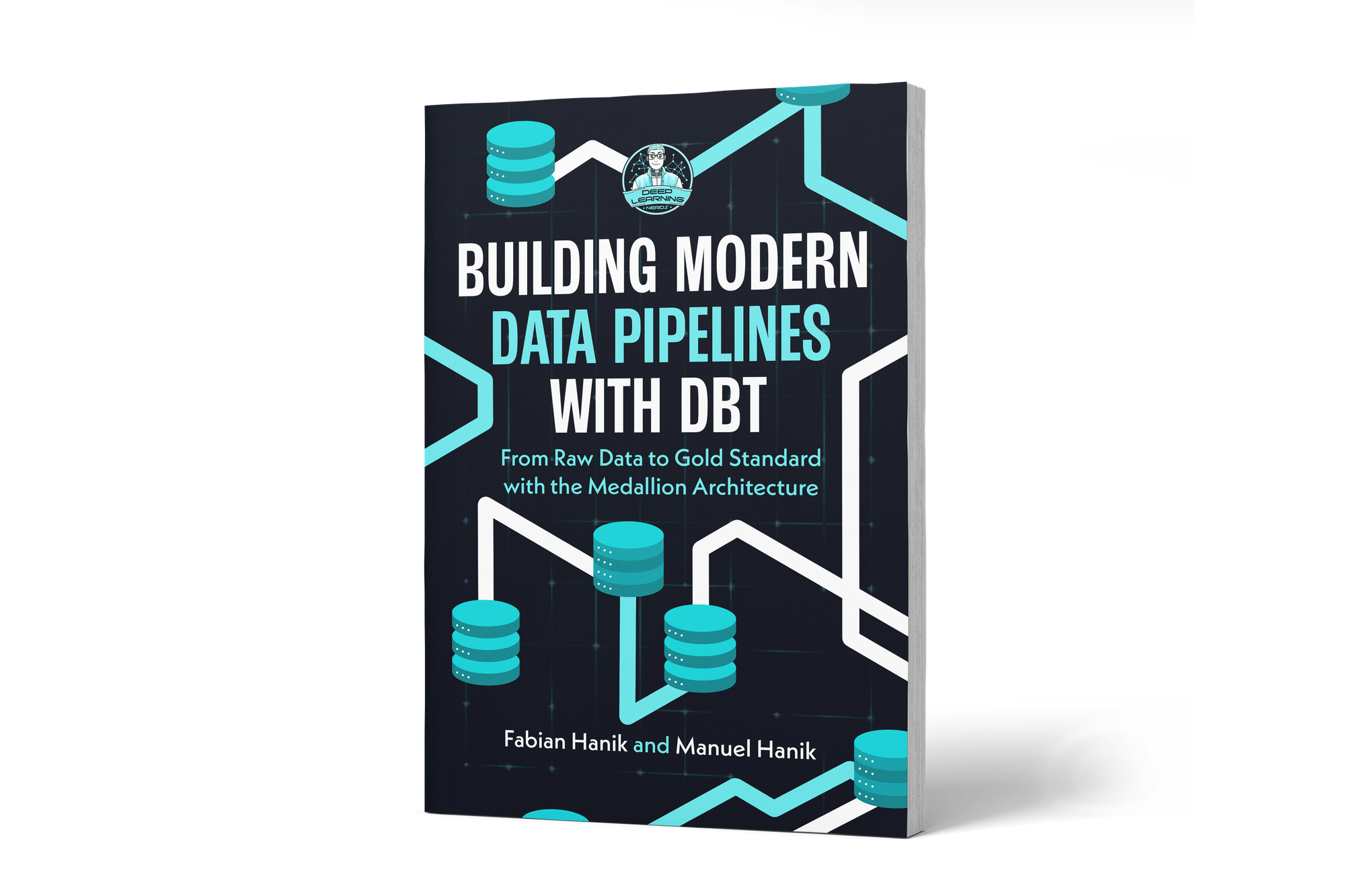
If you’d like to dive deeper into dbt (data build tool), our book Building Modern Data Pipelines with dbt: From Raw Data to Gold Standard with the Medallion Architecture provides a hands-on guide to designing modern data pipelines. It covers dbt’s core concepts and best practices, including building Bronze, Silver, and Gold layers with the Medallion Architecture. It also serves as a hands-on study guide for the dbt Analytics Engineering Certification.

View on Amazon

🌍 Global grants

The first option to set grants is in the dbt_project.yml file. Let’s set the rights layer by layer:

models:
  dlnerds_university:
    +materialized: view
    01_landing:
      +grants: 
        select: ['data engineer']
      +enabled: true
      +materialized: table
      +schema: landing
    02_bronze:
      +grants: 
        select: ['data engineer']
      +enabled: true
      +materialized: view
      +schema: bronze
    03_silver:
      +grants: 
        select: ['data engineer']
      +enabled: true
      +materialized: table
      +schema: silver
    04_gold:
      +grants: 
        select: ['data engineer', 'data analyst']
      +enabled: true
      +materialized: view
      +schema: gold

This ensures:

You can view this post with the tier: Academy Membership

Join academy now to read the post and get access to the full library of premium posts for academy members only.

Join Academy Already have an account? Sign In