

📘 Introduction

dbt state helps dbt compare your current project with a previous version of the same project. This is useful when you want to run only the models that changed instead of rebuilding the whole project.

We use the same dlnerds_university Medallion Architecture example project from previous dbt posts, so the project structure stays familiar.

In this tutorial, you will learn dbt state with a practical example. We will use a production manifest.json and the selector state:modified to detect that dim_student changed.

The goal is simple: understand how dbt can compare the current project against a saved production state and then build only the changed models.

💡 What are we implementing?

We will implement this workflow:

Production manifest -> dbt state comparison -> modified models -> focused dbt build

The production manifest represents the previous state of the project. Your local files represent the current state. dbt compares both and tells you what changed.

state/prod/manifest.json + current project files -> state:modified

In this tutorial, we will change dim_student.sql. Then dbt should detect dim_student as modified.

✅ Prerequisites

☑️ A working dbt project
☑️ Raw source tables already defined in models/01_bronze/sources.yml
☑️ Existing Silver model student_cleaned with its own YAML file
☑️ A production manifest.json available locally, for example in state/prod
☑️ Basic knowledge of running dbt ls and dbt build

🧱1️⃣ Understand the current project setup

For this tutorial, we use this relevant excerpt of the dlnerds_university project:

dlnerds_university/
├── dbt_project.yml
├── models/
│   ├── 01_bronze/
│   │   └── sources.yml
│   ├── 02_silver/
│   │   ├── student_cleaned.sql
│   │   └── student_cleaned.yml
│   └── 03_gold/
│       ├── dim_student.sql
│       └── dim_student.yml
└── state/
    └── prod/
        └── manifest.json

The important state file is state/prod/manifest.json. This file is created by a previous dbt invocation, usually a production run.

It does not need to be created locally, but it must be locally available when you pass it to --state.

🧠2️⃣ What does dbt state mean?

In dbt, state means a saved point-in-time view of your project and run artifacts.

The most important artifact for state comparison is manifest.json. It contains metadata about dbt resources such as models, sources, tests, snapshots, macros, configs, and dependencies.

When you use --state state/prod, dbt reads the artifact files in that folder and compares them with the current project.

previous state: state/prod/manifest.json
current state: your local dbt project

This is why --state points to a folder, not directly to the manifest.json file.

🎓 Want to go deeper with dbt?

If you want to understand dbt state, Slim CI, artifacts, model selection, and Medallion Architecture workflows in more detail, the Academy and the dbt book go deeper into hands-on dbt projects with practical examples.

CTA Image

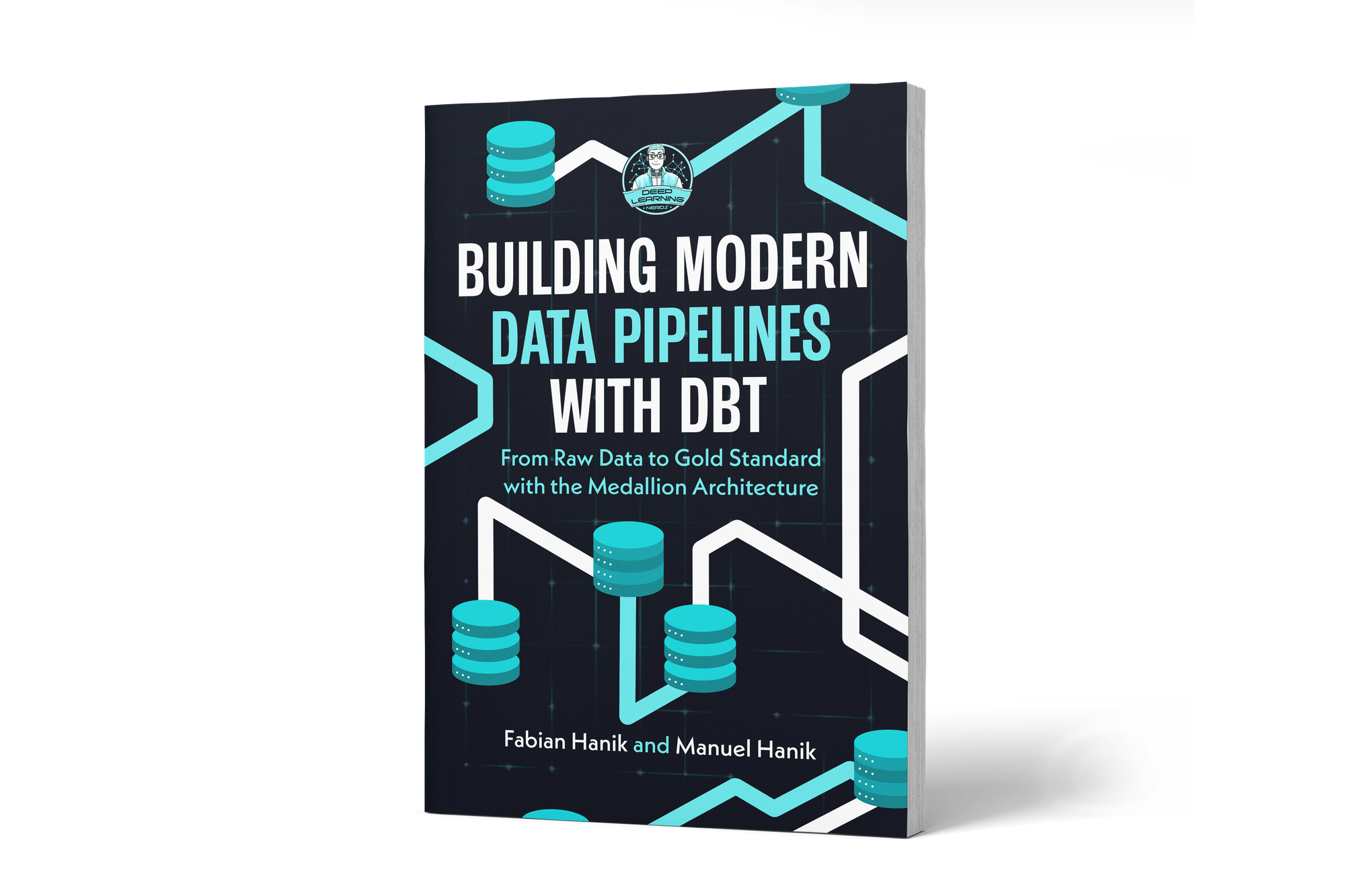
If you’d like to dive deeper into dbt (data build tool), our book Building Modern Data Pipelines with dbt: From Raw Data to Gold Standard with the Medallion Architecture provides a hands-on guide to designing modern data pipelines. It covers dbt’s core concepts and best practices, including building Bronze, Silver, and Gold layers with the Medallion Architecture. It also serves as a hands-on study guide for the dbt Analytics Engineering Certification.

View on Amazon

You can view this post with the tier: Academy Membership

Join academy now to read the post and get access to the full library of premium posts for academy members only.

Join Academy Already have an account? Sign In