📘 Introduction

dbt Fusion is one of the biggest changes in the dbt ecosystem. If you already know dbt Core, you can think of Fusion as a new engine underneath the familiar dbt workflow. You still write models, define dependencies, configure YAML files, define tests, and build transformation logic in SQL. But the engine that understands, validates, and runs your project is changing.

In this beginner-friendly guide, we will explain what dbt Fusion is, why it matters, how it differs from dbt Core, and what data teams should know before adopting it.

🎓 Looking for more dbt study material?

➡️ 📄 dbt Analytics Engineering Certification Guide
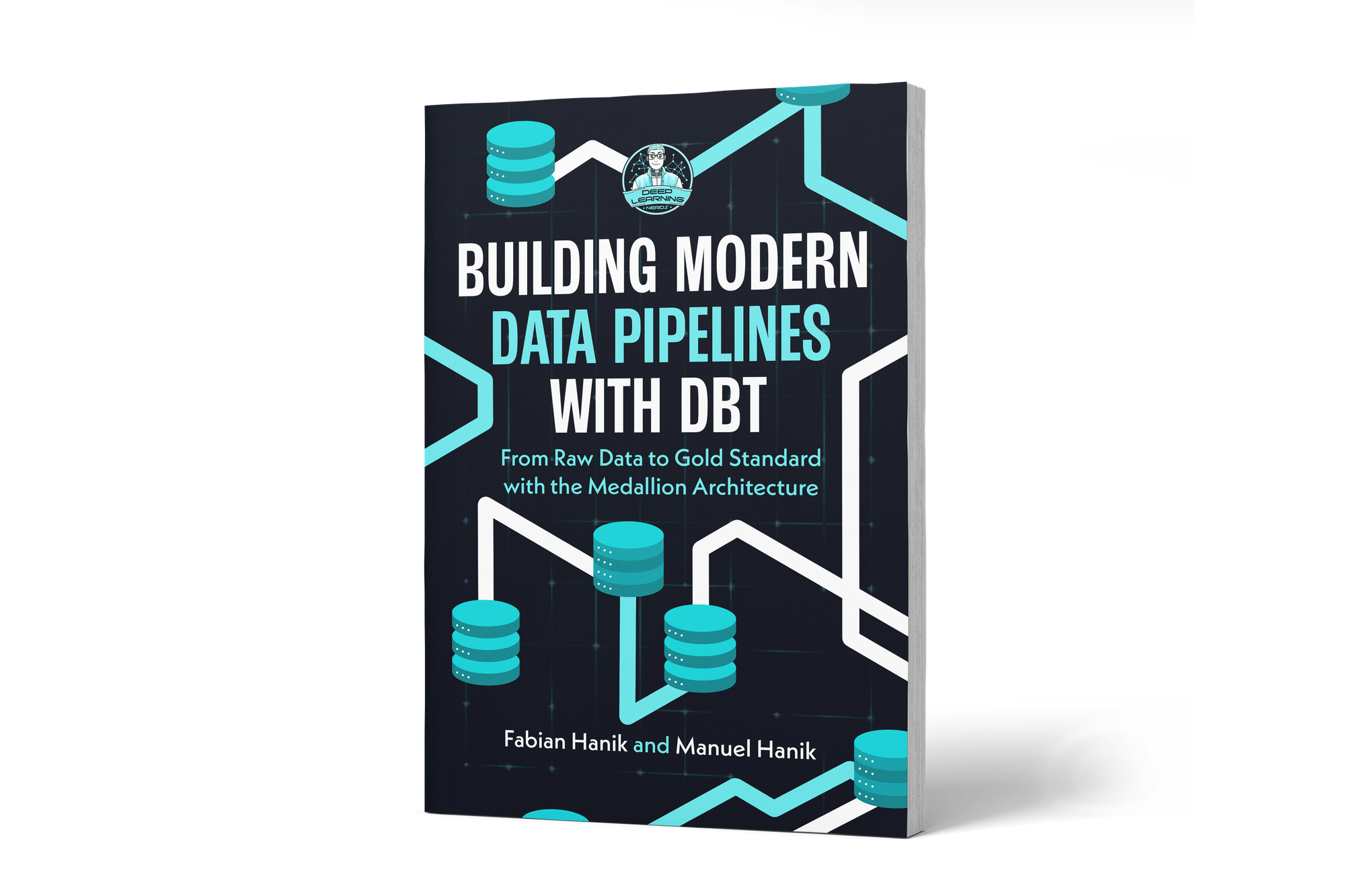
➡️ 📕 dbt Book: Building Modern Data Pipelines with dbt: From Raw Data to Gold Standard with the Medallion Architecture

💡 What is dbt Fusion?

dbt Fusion is a new execution engine for dbt. It is written in Rust, while dbt Core was written in Python. This does not mean that your dbt project suddenly becomes a Rust project. It means that the software running behind the scenes has been rebuilt for speed, correctness, and deeper SQL understanding.

The important idea is this:

dbt Fusion is not a new authoring style. It is a new engine for working with dbt projects.

You still work with familiar dbt concepts such as:

  • Models
  • Sources
  • Tests
  • Seeds
  • Snapshots
  • Macros
  • YAML configuration files
  • Materializations
  • dbt_project.yml
  • profiles.yml

Fusion is designed to support the same standard dbt authoring layer while adding new capabilities around performance, validation, development experience, and orchestration.

⚙️ How is Fusion different from dbt Core?

The biggest difference is the engine implementation.

dbt Core is written in Python. dbt Fusion is written in Rust and compiled as a standalone application. For dbt users, the practical result is not that they need to learn Rust, but that dbt can parse and analyze projects much faster.

Fusion also adds capabilities that go beyond traditional dbt Core behavior:

  • Faster parsing and compilation
  • More immediate feedback while writing code
  • Static analysis of SQL
  • Better understanding of warehouse-specific SQL dialects
  • Language server support for editor integrations
  • Improved local development through the dbt VS Code extension
  • More intelligent orchestration features in dbt platform

In short: dbt Core gave teams a powerful framework for transforming data with SQL. Fusion keeps that framework, but rebuilds the engine so dbt can understand projects more deeply and respond much faster.

CTA Image

If you’d like to dive deeper into dbt (data build tool), our book Building Modern Data Pipelines with dbt: From Raw Data to Gold Standard with the Medallion Architecture provides a hands-on guide to designing modern data pipelines. It covers dbt’s core concepts and best practices, including building Bronze, Silver, and Gold layers with the Medallion Architecture. It also serves as a hands-on study guide for the dbt Analytics Engineering Certification.

View on Amazon

You can view this post with the tier: Academy Membership

Join academy now to read the post and get access to the full library of premium posts for academy members only.

Join Academy Already have an account? Sign In