

📘 Introduction

When you start learning dbt, you will quickly come across many new terms: models, materializations, seeds, snapshots, tests, macros, DAGs, packages, profiles, and targets. At first, these concepts can feel confusing, especially if you are new to analytics engineering or modern data pipelines.

In this beginner-friendly guide, we’ll explain the most important dbt terms in simple language. The goal is not to go deep into every technical detail, but to give you a clear mental map of the dbt ecosystem so you can follow tutorials, read documentation, and understand dbt projects more easily.

🎓 Looking for more dbt study material?

➡️ 📄 dbt Analytics Engineering Certification Guide
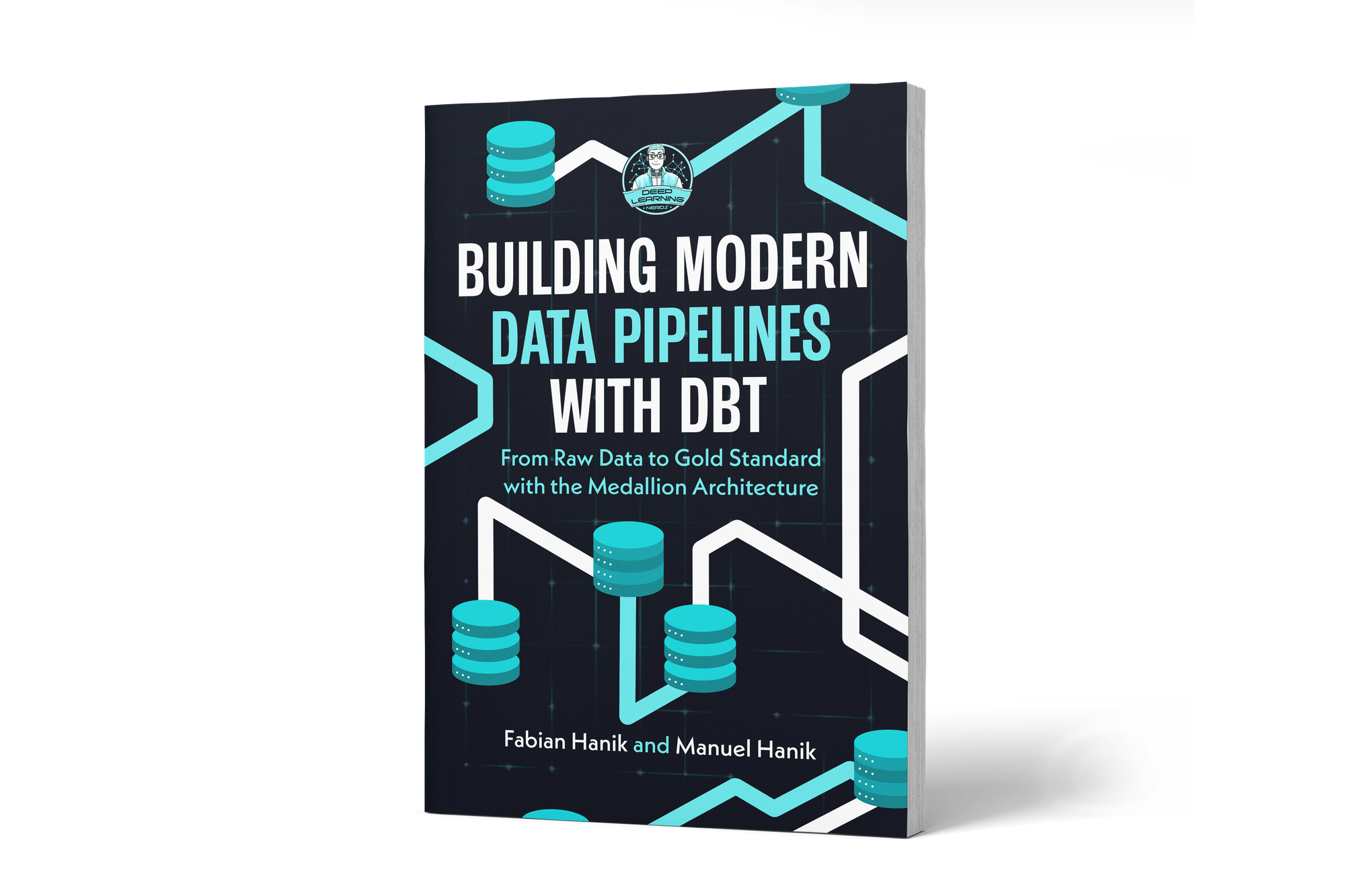
➡️ 📕 dbt Book: Building Modern Data Pipelines with dbt: From Raw Data to Gold Standard with the Medallion Architecture

💡 Why dbt terminology matters

dbt is more than a tool for writing SQL. It introduces a structured way to build, test, document, and organize data transformations. To work effectively with dbt, you need to understand the vocabulary used across dbt projects.

Once you understand the basic terms, it becomes much easier to:

  • Navigate a dbt project
  • Understand how models depend on each other
  • Read configuration files
  • Run and test transformations
  • Communicate with data engineers, analysts, and analytics engineers
  • Prepare for the dbt Analytics Engineering Certification

If you’d like to dive deeper into dbt (data build tool), our book Building Modern Data Pipelines with dbt: From Raw Data to Gold Standard with the Medallion Architecture provides a hands-on guide to designing modern data pipelines. It covers dbt’s core concepts and best practices, including building Bronze, Silver, and Gold layers with the Medallion Architecture. It also serves as a hands-on study guide for the dbt Analytics Engineering Certification.

🧱 dbt Project

A dbt project is the folder that contains all files needed to build your data transformations.

It usually includes:

  • SQL models
  • YAML configuration files
  • Tests
  • Macros
  • Seeds
  • Snapshots
  • Project settings

The most important file in a dbt project is dbt_project.yml. This file defines the project name, folder paths, default configurations, and model settings.

Think of a dbt project as the central workspace for your analytics engineering code.

📄 Model

A model is one of the most important concepts in dbt.

In simple terms, a dbt model is a SQL file that transforms data. Each model usually represents a table, view, or intermediate transformation in your data warehouse.

For example, a model might:

  • Clean raw student data
  • Join course data with tutor data
  • Create a final reporting table
  • Build a Gold layer table in a Medallion Architecture

Models are typically stored inside the models/ folder. When you run dbt, dbt executes these SQL files and creates the corresponding objects in your data warehouse.

🌱 Seed

A seed is a CSV file that dbt can load into your data warehouse.

Seeds are useful for small, static datasets that do not change often. For example:

  • Country codes
  • Mapping tables
  • Status values
  • Small reference lists
  • Business rule lookup tables

Seeds are usually stored in the seeds/ folder. After running the seed command, dbt creates a table from the CSV file in your warehouse.

Seeds are not meant for large production datasets. They are best used for small reference data that supports your transformations.

📸 Snapshot

A snapshot is used to track how data changes over time.

In many databases, tables only show the current state of the data. But sometimes you need to know what changed and when it changed. This is where snapshots are useful.

For example, a snapshot can help you track:

  • A student changing their major
  • A customer changing their address
  • A product changing its price
  • A status changing from active to inactive

Snapshots are especially useful when the original source system does not keep historical records.

CTA Image

If you’d like to dive deeper into dbt (data build tool), our book Building Modern Data Pipelines with dbt: From Raw Data to Gold Standard with the Medallion Architecture provides a hands-on guide to designing modern data pipelines. It covers dbt’s core concepts and best practices, including building Bronze, Silver, and Gold layers with the Medallion Architecture. It also serves as a hands-on study guide for the dbt Analytics Engineering Certification.

View on Amazon

You can view this post with the tier: Academy Membership

Join academy now to read the post and get access to the full library of premium posts for academy members only.

Join Academy Already have an account? Sign In