

📘 Introduction

In this hands-on tutorial, we’ll walk you step-by-step through how to orchestrate your dbt workflows using Dagster. Combining Dagster’s robust orchestration capabilities with dbt’s transformation power allows you to build reliable, maintainable, and observable data pipelines. 

✅ Prerequisites

🐍☑️ Installed Python
📦☑️Installed Pip
🌐☑️ Created a virtual environment (venv)
🗂️☑️ dbt project set up
🧪☑️ Existing dbt models defined in your models/ directory

💡 What is Dagster and why combine it with dbt?

Dagster is an open-source data orchestrator that helps you design, schedule, and monitor data pipelines. While dbt focuses on transforming your data using SQL-based models, Dagster allows you to orchestrate these transformations, manage dependencies, and integrate them into larger workflows. Combining Dagster and dbt gives you the best of both worlds: dbt’s transformation power and Dagster’s pipeline orchestration and observability.

CTA Image

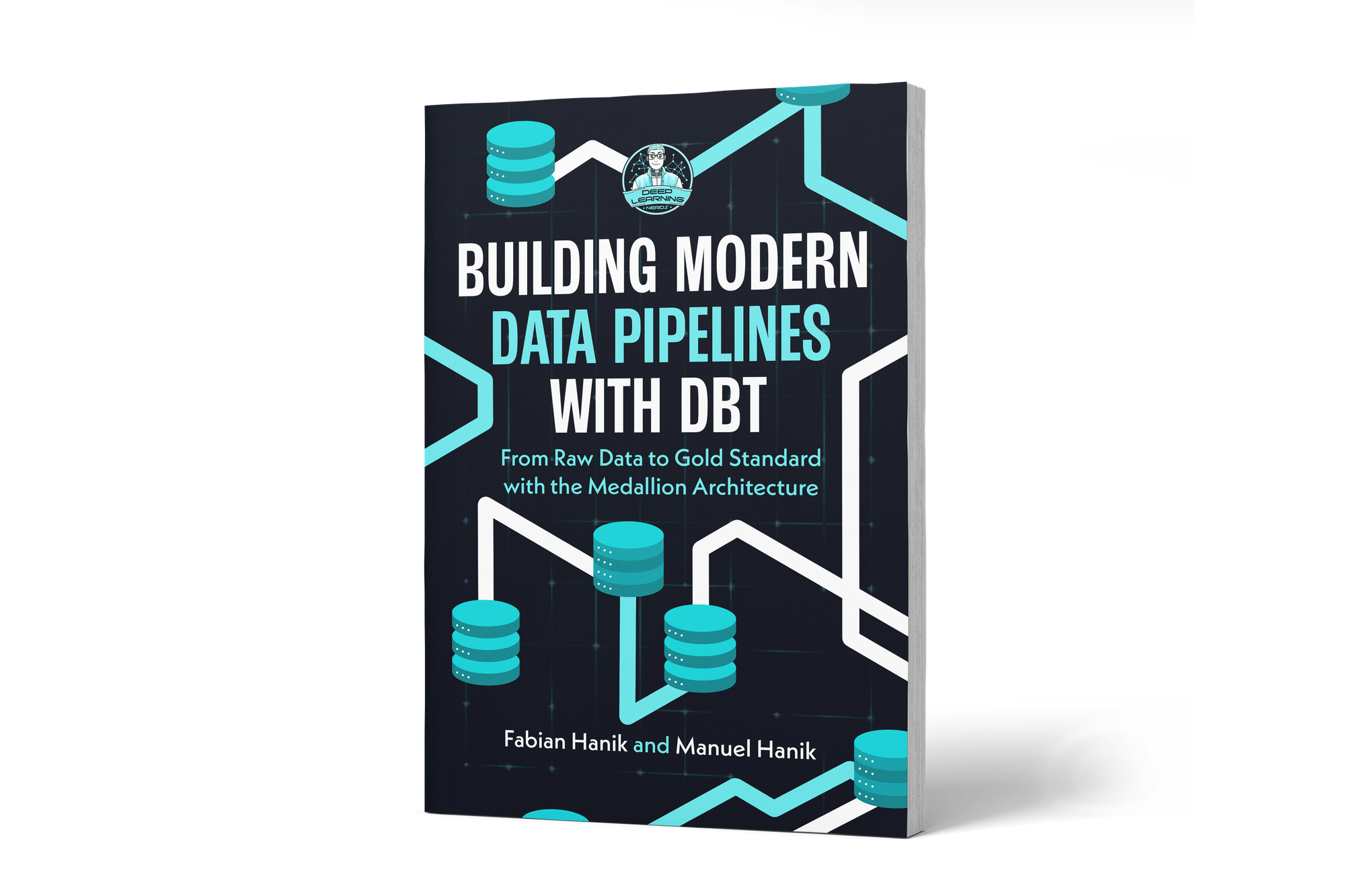
If you’d like to dive deeper into dbt (data build tool), our book Building Modern Data Pipelines with dbt: From Raw Data to Gold Standard with the Medallion Architecture provides a hands-on guide to designing modern data pipelines. It covers dbt’s core concepts and best practices, including building Bronze, Silver, and Gold layers with the Medallion Architecture. It also serves as a hands-on study guide for the dbt Analytics Engineering Certification.

View on Amazon

📥1️⃣ Install Dagster for dbt

To get started, activate your virtual environment and install the Dagster-dbt integration via pip. Open a terminal and run the following command:

You can view this post with the tier: Academy Membership

Join academy now to read the post and get access to the full library of premium posts for academy members only.

Join Academy Already have an account? Sign In