

📘 Introduction

In this hands-on tutorial, we’ll walk step-by-step through scheduling dbt models with Dagster. By integrating Dagster, you can easily orchestrate your dbt workflows and automating model runs.

✅ Prerequisites

🐍☑️ Installed Python
📦☑️Installed Pip
🌐☑️ Created a virtual environment (venv)
🗂️☑️ A dbt project set up
🧪☑️ Existing dbt models defined in your models/ directory
🐙☑️ Created a Dagster project within your dbt project

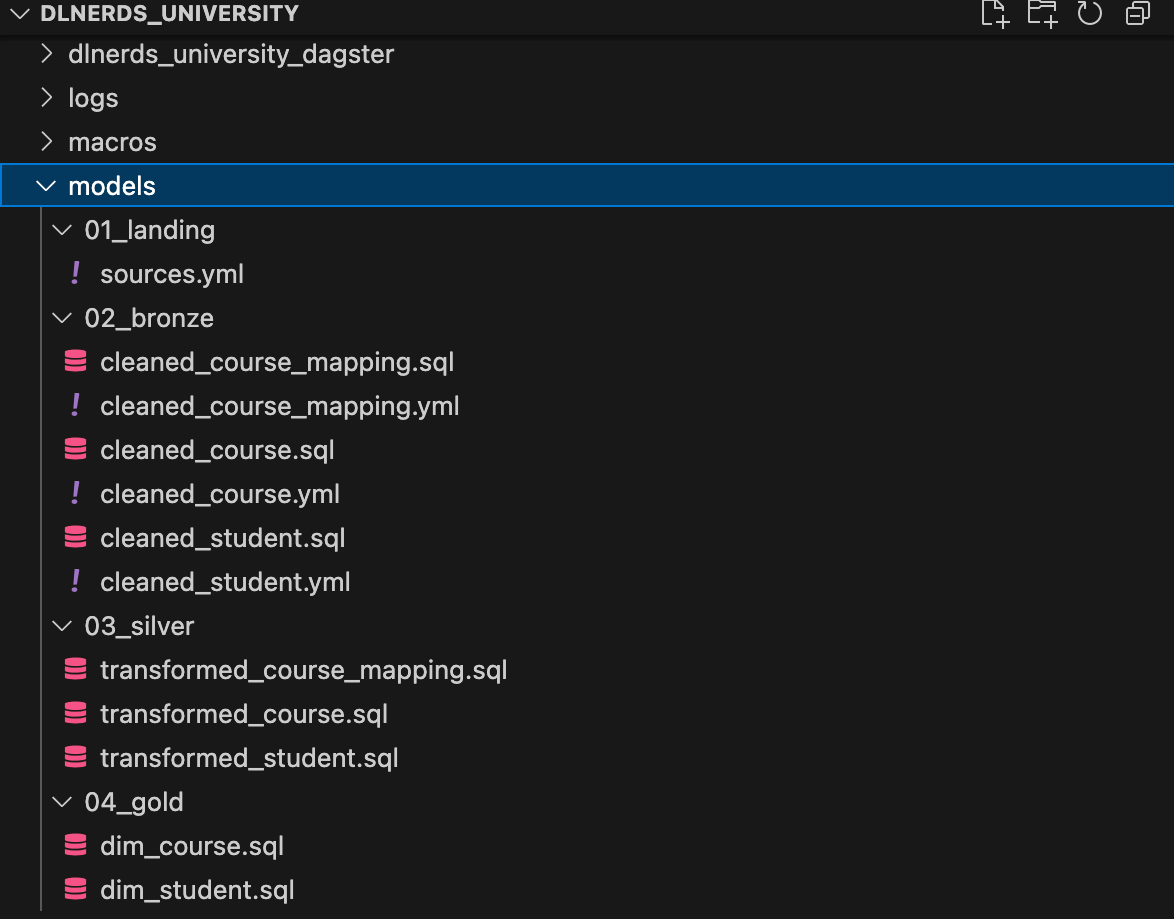
🗂️ Models in our dbt project

In this tutorial, we’re working with a dbt project called dlnerds_university. The project contains several dbt models and a Dagster project named dlnerds_university_dagster.

Now, we want to schedule the models with Dagster.

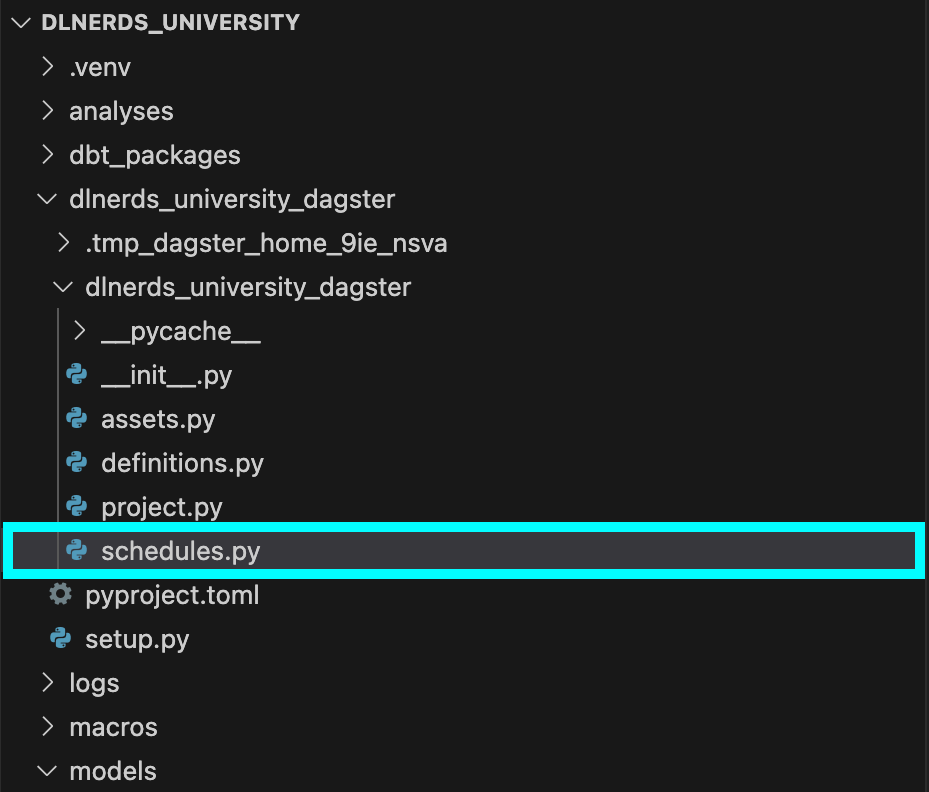
🚪1️⃣ Open schedules.py in your Dagster project

Navigate to your Dagster project folder and open schedules.py. This is where we’ll define when dbt models should run.

📥2️⃣ Import modules in schedules.py

At the top of schedules.py, add:

from dagster_dbt import build_schedule_from_dbt_selection

from .assets import dlnerds_university_dbt_assets

This lets Dagster know where to find your dbt assets.

CTA Image

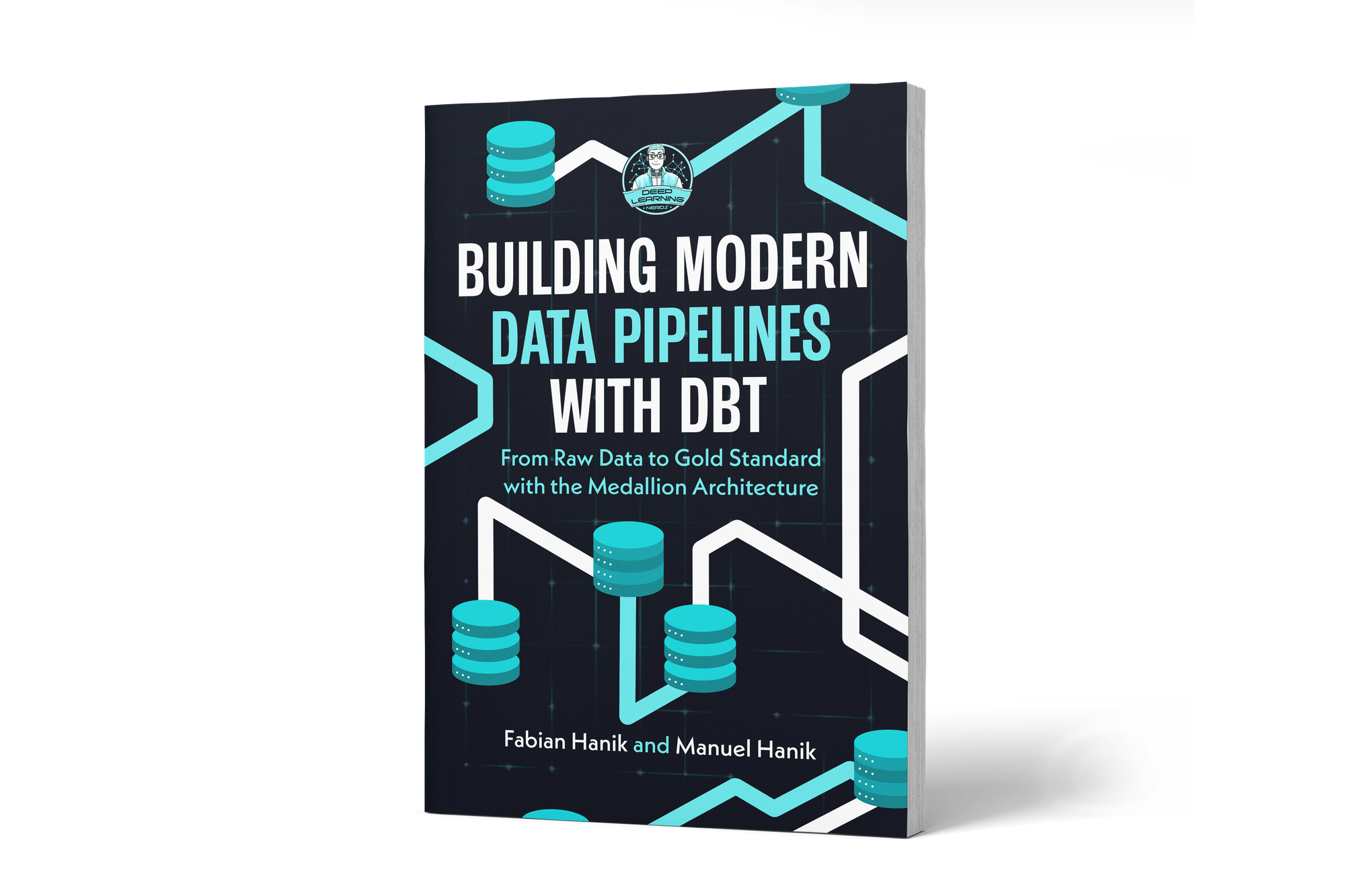
If you’d like to dive deeper into dbt (data build tool), our book Building Modern Data Pipelines with dbt: From Raw Data to Gold Standard with the Medallion Architecture provides a hands-on guide to designing modern data pipelines. It covers dbt’s core concepts and best practices, including building Bronze, Silver, and Gold layers with the Medallion Architecture. It also serves as a hands-on study guide for the dbt Analytics Engineering Certification.

View on Amazon

🛠️3️⃣ Add cron-like schedule in schedules.py

Next, let’s tell Dagster to run our dbt models every morning at 6 AM:

You can view this post with the tier: Academy Membership

Join academy now to read the post and get access to the full library of premium posts for academy members only.

Join Academy Already have an account? Sign In