

📘 Introduction

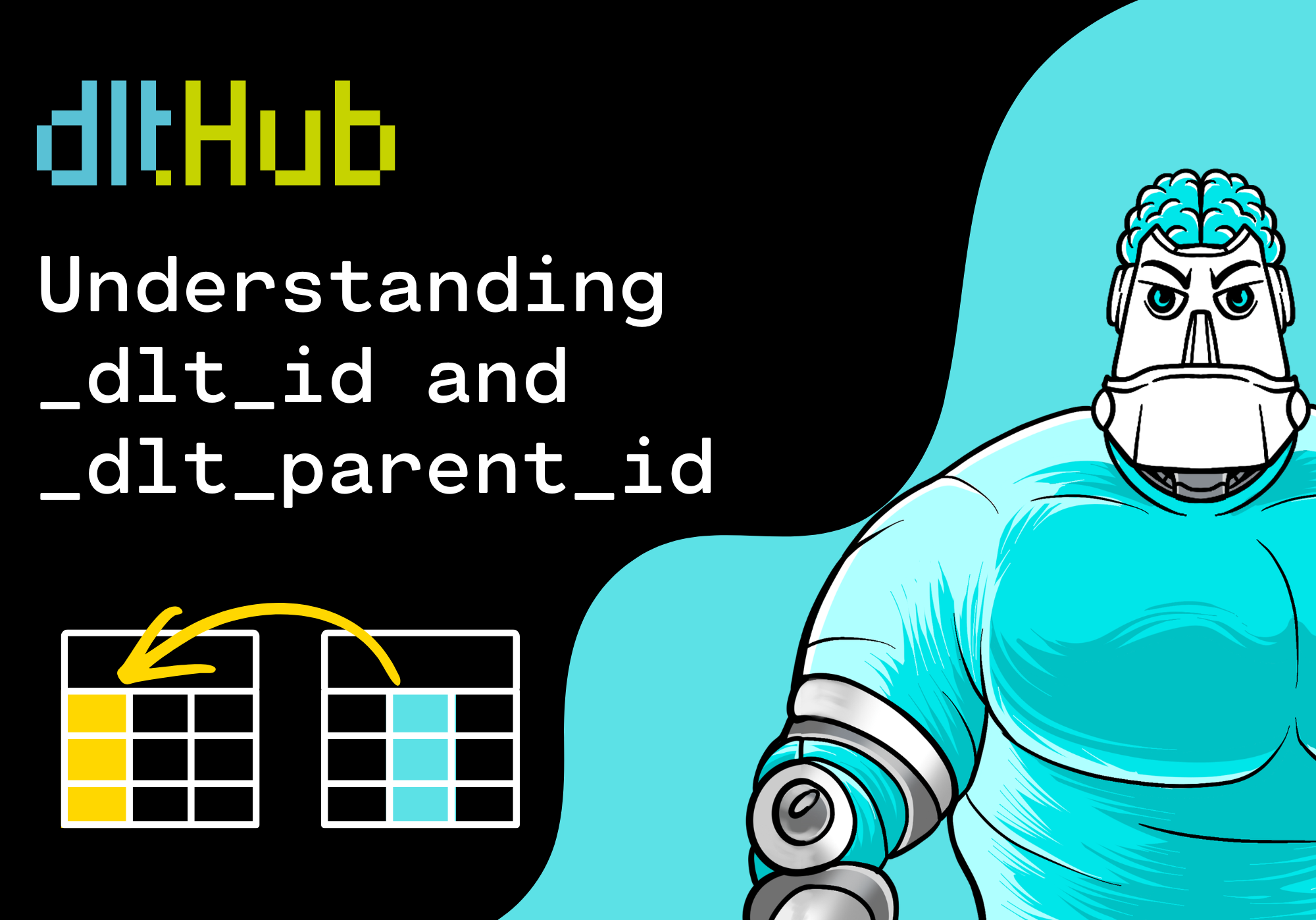
When dlt loads nested JSON into a database, you may suddenly see technical columns such as _dlt_id and _dlt_parent_id. At first, these columns can look confusing. They are not part of your original API response, and they do not look like normal business fields.

But these columns are useful. They help dlt preserve relationships when nested data is normalized into separate tables.

In this beginner-friendly guide, you will learn what _dlt_id and _dlt_parent_id mean, why dlt creates them, and how to use them when querying parent and child tables in DuckDB.

💡 Why these columns matter

APIs often return nested JSON. For example, one student record can contain a list of courses:

{
  "student_id": 1,
  "name": "Mia Harris",
  "courses": [
    {
      "course_id": "py101",
      "course_name": "Python Basics"
    },
    {
      "course_id": "sql101",
      "course_name": "SQL Basics"
    }
  ]
}

A relational database such as DuckDB works best with tables. So dlt can normalize this nested structure into a parent table and a child table:

students
students__courses

Once this happens, the database needs a way to know which course belongs to which student. That is where _dlt_id and _dlt_parent_id become important.

✅ Prerequisites

Before we start, you should have:

☑️ Basic understanding of JSON
☑️ Basic understanding of database tables
☑️ Basic familiarity with SQL joins
☑️ No advanced dlt knowledge required

🧠 What is _dlt_id?

_dlt_id is a technical row identifier created by dlt. You can think of it as the internal ID that dlt uses to identify a loaded row.

In a parent table such as students, each row gets its own _dlt_id:

students
├── student_id
├── name
├── created_at
└── _dlt_id

This does not replace your business key such as student_id. Your business key still describes the student from the source system. _dlt_id is created by dlt to support loading, lineage, and relationships between normalized tables.

🔗 What is _dlt_parent_id?

_dlt_parent_id appears in nested child tables. It points back to the _dlt_id of the parent row.

For example, if students__courses contains course rows, each course row needs to know which student it belongs to:

students__courses
├── course_id
├── course_name
├── _dlt_id
└── _dlt_parent_id

The relationship works like this:

students._dlt_id = students__courses._dlt_parent_id

This is the key idea. _dlt_parent_id connects a child row back to its parent row.

If you want to become comfortable with nested API data in dlt, this relationship is one of the most important concepts to understand. In the Academy section, we continue with practical table examples, SQL joins, and common beginner mistakes.

You can view this post with the tier: Academy Membership

Join academy now to read the post and get access to the full library of premium posts for academy members only.

Join Academy Already have an account? Sign In