
📘 Introduction

API responses often contain nested JSON. That means one record can contain another list of records inside it. This is common in real APIs, but it can look confusing when the data lands in a relational database.

In this tutorial, you will learn how dlt loads nested JSON into DuckDB tables. We will use a simple example with students and nested courses. Each student can have multiple courses, so dlt will create a parent table and a child table.

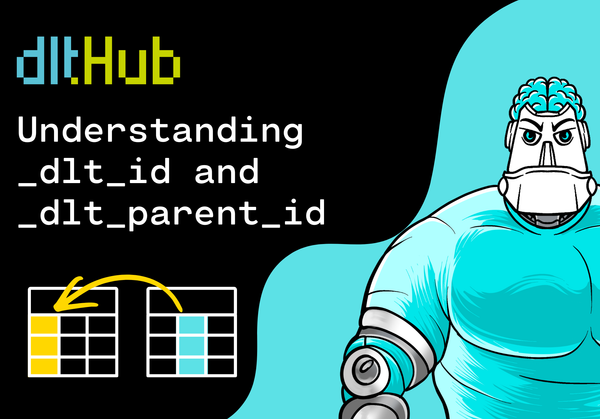
You will also learn what _dlt_id and _dlt_parent_id mean, and how to join the generated tables back together with SQL.

💡 What are we implementing?

We will build this small local pipeline:

nested JSON -> dlt -> DuckDB -> students + students__courses

The source data has one nested level:

[
  {
    "student_id": 1,
    "name": "Mia Harris",
    "created_at": "2026-01-10",
    "courses": [
      {"course_id": "py101", "course_name": "Python Basics"},
      {"course_id": "sql101", "course_name": "SQL Basics"}
    ]
  }
]

The important idea is simple: the student is the parent record, and each course is a child record.

✅ Prerequisites

Before we start, you should have:

☑️ Python 3.9 or newer installed
☑️ Basic knowledge of running terminal commands
☑️ A text editor such as VS Code
☑️ No API key or cloud account required

⚙️1️⃣ Create a project folder

First, create a new folder for the project:

mkdir dlt-students-duckdb
cd dlt-students-duckdb

Create and activate a virtual environment:

python -m venv .venv
source .venv/bin/activate

On Windows, activate it with:

.venv\Scripts\activate

📦2️⃣ Install package

Install dlt with DuckDB support:

pip install "dlt[duckdb]"

This installs dlt together with the DuckDB dependencies needed for the local destination.

🧾3️⃣ Create the nested JSON data

Create a folder named data:

mkdir data

Inside it, create a file named students.json:

[
  {
    "student_id": 1,
    "name": "Mia Harris",
    "email": "mia@example.com",
    "created_at": "2026-01-10",
    "courses": [
      {
        "course_id": "py101",
        "course_name": "Python Basics"
      },
      {
        "course_id": "sql101",
        "course_name": "SQL Basics"
      }
    ]
  },
  {
    "student_id": 2,
    "name": "Noah Smith",
    "email": "noah@example.com",
    "created_at": "2026-01-11",
    "courses": [
      {
        "course_id": "duck101",
        "course_name": "DuckDB for Beginners"
      }
    ]
  }
]

This file contains two students. The first student has two courses. The second student has one course.

That is enough to see how dlt turns nested JSON into multiple tables. In the Academy section, we continue with the pipeline, the generated DuckDB tables, and the SQL joins.

You can view this post with the tier: Academy Membership

Join academy now to read the post and get access to the full library of premium posts for academy members only.

Join Academy Already have an account? Sign In