Introduction

Modern data work doesn’t always require complex infrastructure. If you're looking for a fast, local-first analytics stack, dbt + DuckDB is a powerful combination. In this tutorial, we'll walk through connecting dbt to DuckDB — perfect for analysts, developers, and data enthusiasts who want simplicity without sacrificing power.

🐤 What is DuckDB?

DuckDB is an in-process SQL OLAP database management system. Think of it as SQLite for analytics — it's optimized for complex queries on large datasets, all while running locally and without needing a server.

💪 Why use DuckDB with dbt?

  • Local-first: Everything runs on your laptop — no cloud or database setup needed
  • Blazing-fast performance: Optimized for analytical workloads
  • Zero infrastructure: Skip the DevOps — perfect for prototyping, notebooks, and data apps
  • Seamless dbt integration: Works out of the box with dbt-duckdb

✅ Prerequisites

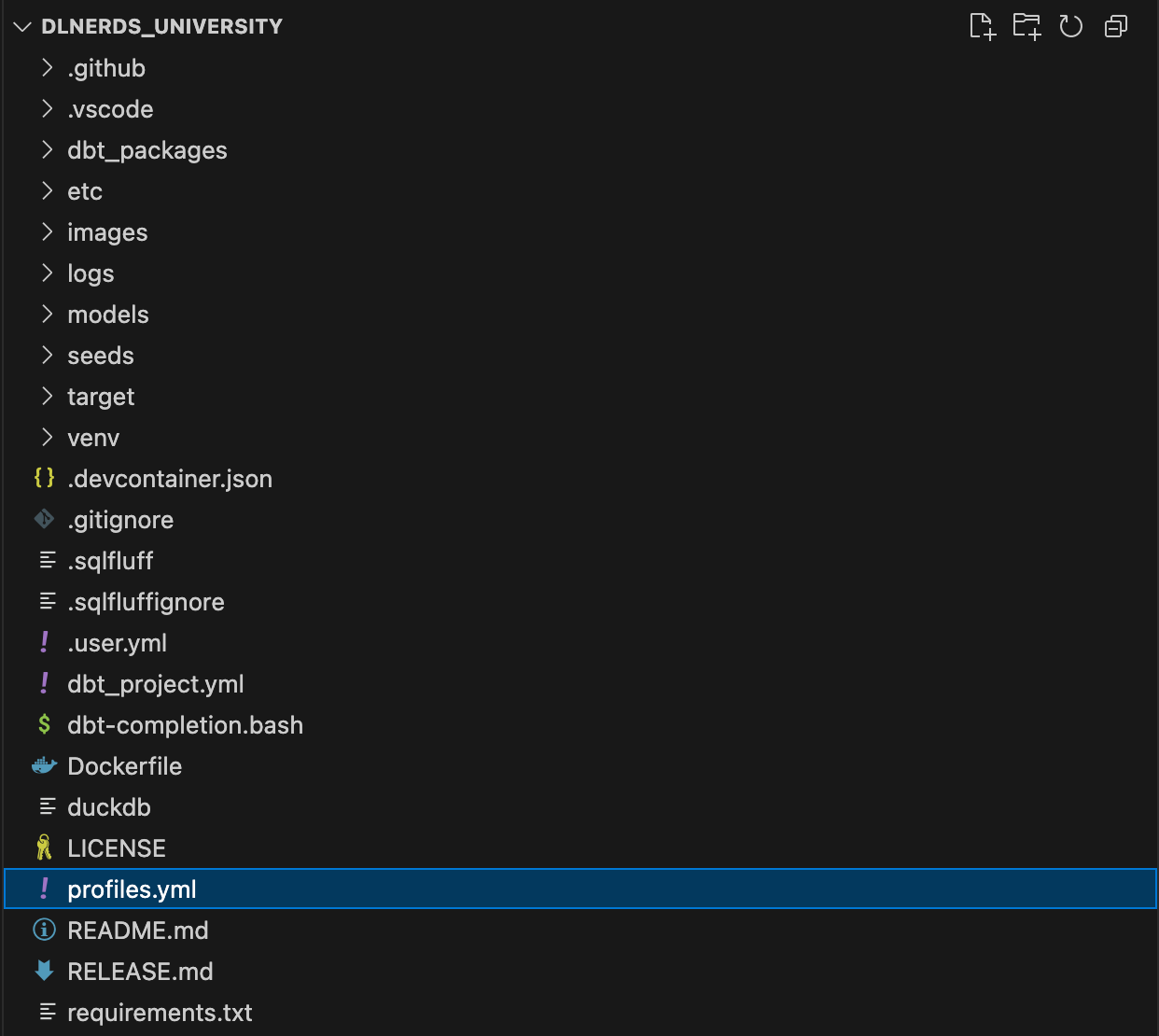
Before you begin, ensure you have set up a dbt project. Your project structure should look like this:

👤Configure profiles.yml

dbt uses the profiles.yml file to store connection information to the data warehouse of your choice. Here's a minimal configuration for DuckDB:

dlnerds_university:

  target: dev
  outputs:
    dev:
      type: duckdb
      path: 'dlnerds_university.duckdb'
      threads: 4

Let's break down the components:

  • dlnerds_university: Profile name (must match the one in dbt_project.yml)
  • target: Specifies which output to use by default (in this case, dev).
  • outputs: A dictionary of all available connection targets (e.g., devprod). You can switch between them if needed.
  • type: Adapter type — in this case, duckdb
  • path: File path to the DuckDB database
  • threads: Number of threads dbt can use when building models
💡
Make sure the profile name at the top of your profiles.yml file exactly matches the profile specified in your dbt_project.yml file.
CTA Image

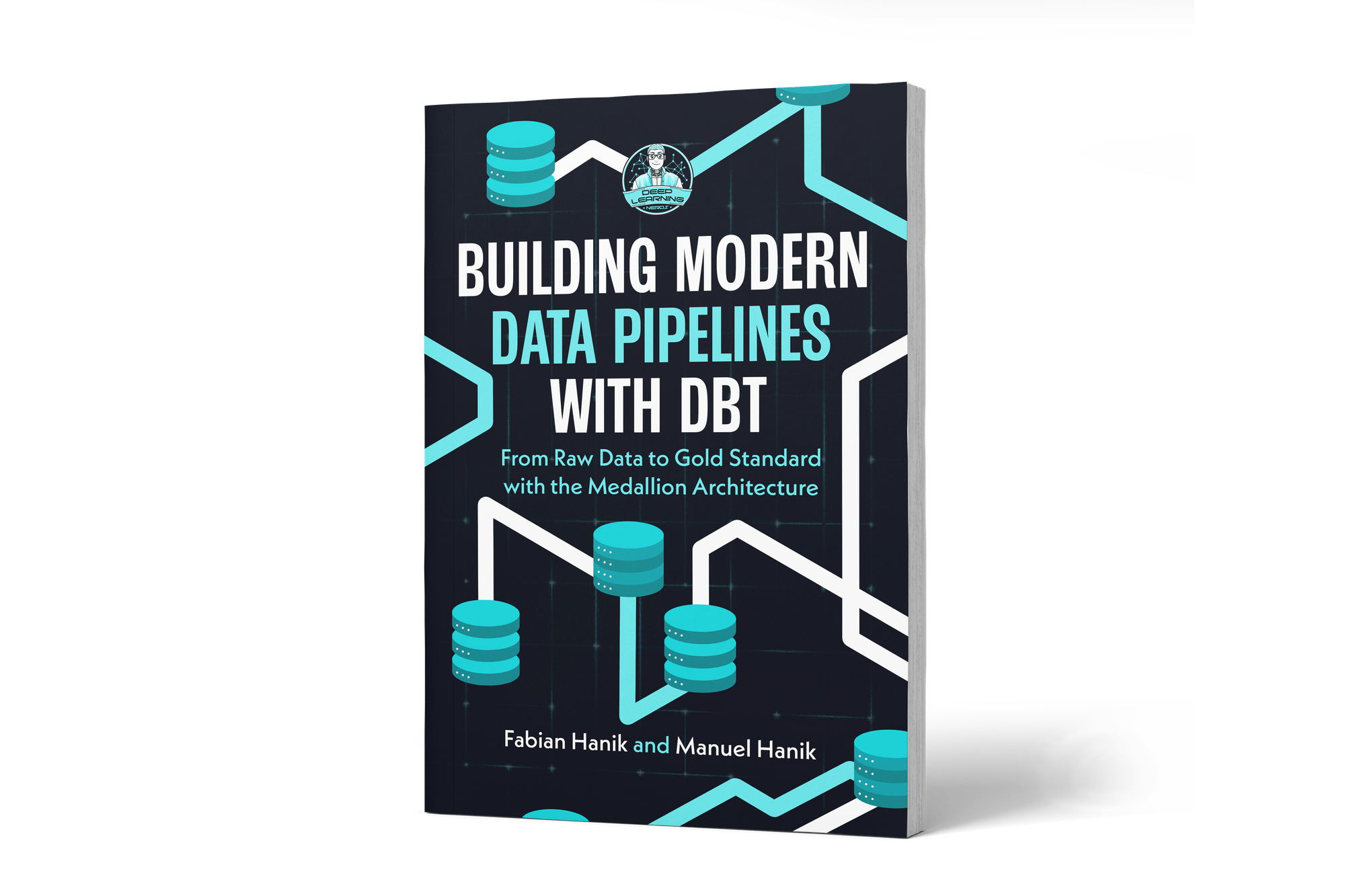
If you’d like to dive deeper into dbt (data build tool), our book Building Modern Data Pipelines with dbt: From Raw Data to Gold Standard with the Medallion Architecture provides a hands-on guide to designing modern data pipelines. It covers dbt’s core concepts and best practices, including building Bronze, Silver, and Gold layers with the Medallion Architecture. It also serves as a hands-on study guide for the dbt Analytics Engineering Certification.

View on Amazon

🔁 Test DuckDB connection

Let’s make sure that the connection works. From your dbt project directory, run:

You can view this post with the tier: Academy Membership

Join academy now to read the post and get access to the full library of premium posts for academy members only.

Join Academy Already have an account? Sign In